Local installation
Windows/Linux service and tray app, with autostart and host diagnostics.
WOL DualBoot
Install the local service, open the tray app, check Wake-on-LAN and show the pairing QR. The Android app handles the simple remote control experience.
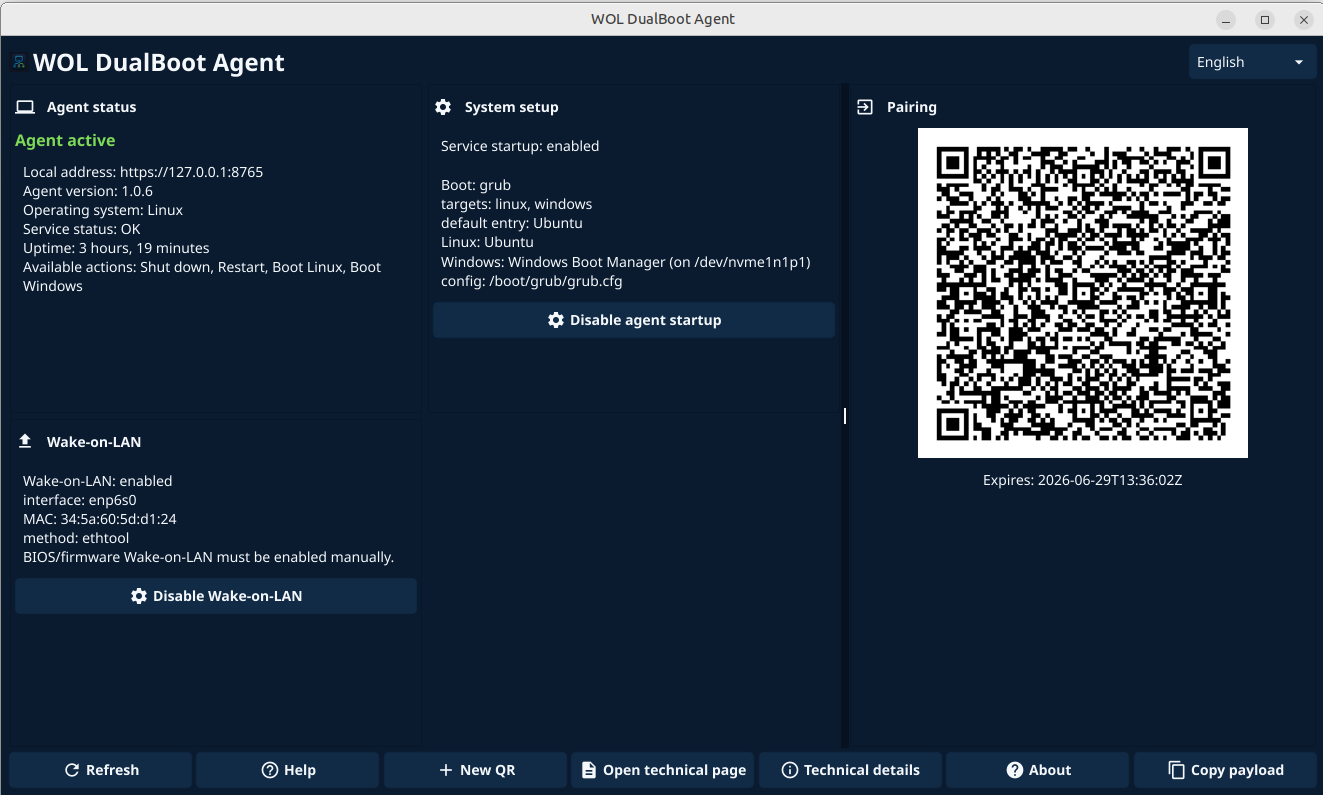
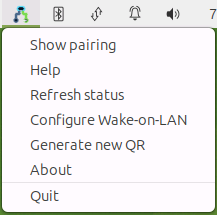
Windows/Linux service and tray app, with autostart and host diagnostics.
The user scans the QR from Android. No local pages or token copying are required.
The agent publishes only closed actions: wake, shut down, reboot and switch OS when compatible.
Windows installation
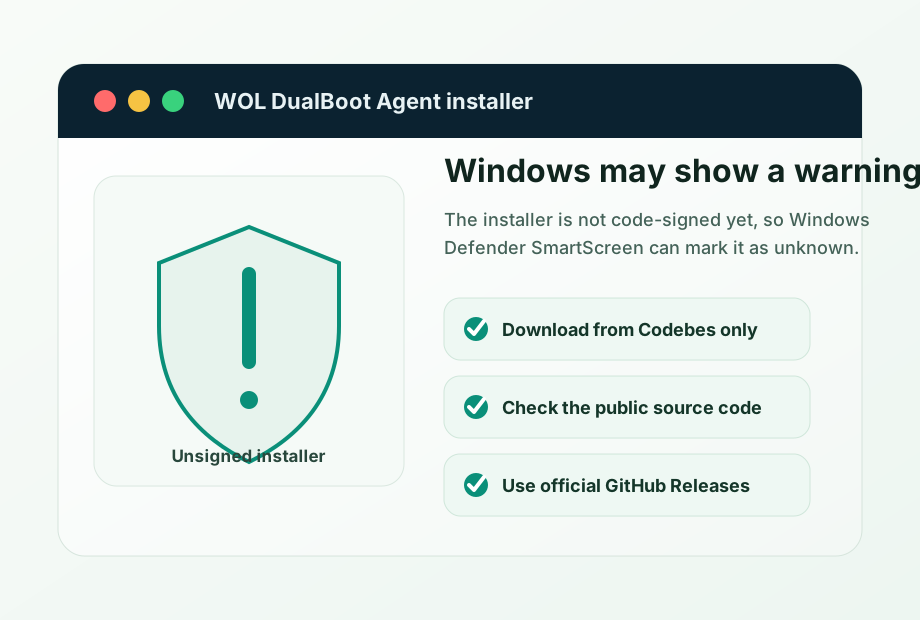
The agent installer may appear as an unrecognized app because it is not yet signed with a reputation-backed code-signing certificate.
That warning does not mean the agent is malicious by itself. It means Windows does not have enough reputation for that installer or publisher.
Download the installer only from Codebes or the official codebes-com GitHub Releases. Every release includes the installer SHA-256 so you can check the file has not been modified.