WOL DualBoot
Menu

Official channels

Download the local agent

First install the agent on the computer you want to control. Then pair Android from the tray using QR.

View GitHub downloads

Windows

MSI for x64

WOL DualBoot Agent · Windows

View downloads

Integrity check

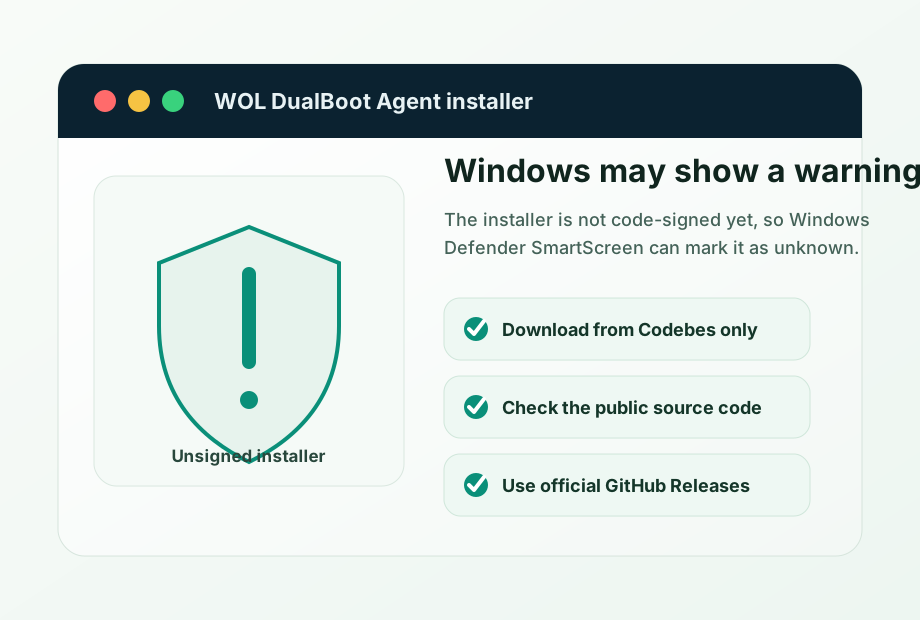
Download from the official GitHub Releases. You can check the SHA-256 published next to the installer if you want to validate the file.

Requirements

  • Windows 10 or later
  • Administrator permissions to install service and firewall rule
Linux

DEB for x64

WOL DualBoot Agent · Debian/Ubuntu

View downloads

Integrity check

Download from the official GitHub Releases. You can check the SHA-256 published next to the package if you want to validate the file.

Requirements

  • Debian/Ubuntu amd64
  • systemd
  • ethtool for WOL inspection and activation

Optional

Check integrity

Downloads link to official GitHub Releases published by Codebes. If you want an additional check, compare the downloaded file SHA-256 with the value published next to the release.

Windows

Get-FileHash .\woldualboot-agent-<version>-windows-amd64.msi -Algorithm SHA256

Linux

sha256sum woldualboot-agent_<version>_amd64.deb

If the value does not match, do not run the installer. Download it again from the Codebes page or the official GitHub release.

Android

The Android app will be the daily controller

The Android app scans the agent QR and shows only the actions that computer allows.

Planned channel

Downloads on this page are for the Windows/Linux agent. The Android app will be distributed through its official channel.